The product idea
An app that turns recordings and selected voice messages into a verbatim transcript and a structured brief, then extracts practical information such as tasks, dates, and suggested replies.

Case Study
Productivity app · Speech processing and AI · Flutter
A complete product experience that makes recordings and voice messages easier to understand, organize, and act on while keeping review and confirmation in the user’s hands.
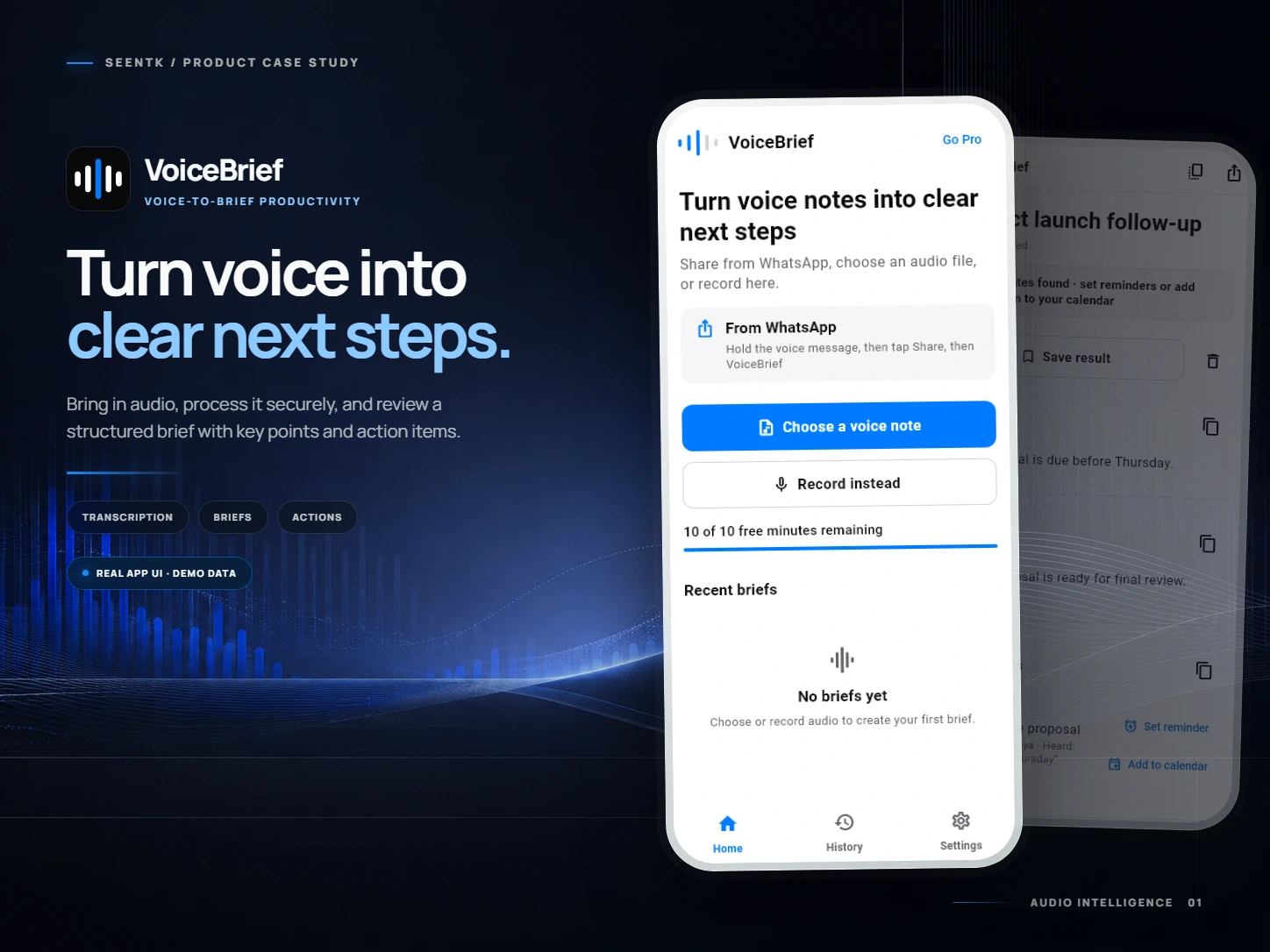
An app that turns recordings and selected voice messages into a verbatim transcript and a structured brief, then extracts practical information such as tasks, dates, and suggested replies.
Voice messages are convenient to send but difficult to review, especially when they contain work details, instructions, or several dates. Users may need to replay the same audio repeatedly to find one piece of information.
Business owners, freelancers, employees, students, and anyone who receives voice messages or keeps recordings that need to be reviewed and organized. These are potential use cases, not claims about an existing customer base.
Reduce repeated listening and turn audio into a result that can be read, reviewed, and acted on—without presenting AI output as a substitute for user verification.
The user shares an audio file from a compatible app, imports one from the device, or records new audio. They review the waveform and trim the useful section, then VoiceBrief processes it and presents the transcript, brief, action items, dates, and replies. The user verifies dates and times before opening the calendar or setting an alarm.
We designed and developed the cross-platform product experience, integrated speech and AI processing with device capabilities, built authentication, usage, subscription, and local-storage services, and prepared testing and store releases.
We built a cross-platform Flutter app that combines audio sharing, importing, recording, waveform review, trimming, server-side processing, and result storage and sharing in a clear Arabic and English journey.
The product combines file sharing, recording, trimming, notifications, calendar and alarm integrations, server processing, usage allowances, and subscriptions. It also has to communicate that ambiguous names, dates, and times may require review.
VoiceBrief uses Flutter and Dart, native Swift and Kotlin integrations, Supabase authentication, storage, and server functions, OpenAI services for audio and content processing, RevenueCat for subscriptions, and Drift for local result storage.
Receive audio through compatible apps’ share menus, Import files or record inside the app, Review the waveform and trim the useful section, Create a verbatim transcript and concise brief, Extract key points and action items when available, Detect dates for review before opening the calendar or setting an alarm, Offer suggested replies in tones available to the selected plan, Copy, share, and store results locally, Arabic and English support with light and dark themes, Sign-in, subscription management, and purchase restoration
Arabic and English product experience, Cross-platform Flutter application, Audio import, recording, and trimming, Speech and content processing with AI, Notification, calendar, and alarm integrations, Authentication and usage allowances, In-app subscriptions, Local result storage, Testing and store preparation
Available on the App Store; Android was in closed testing at the latest verification
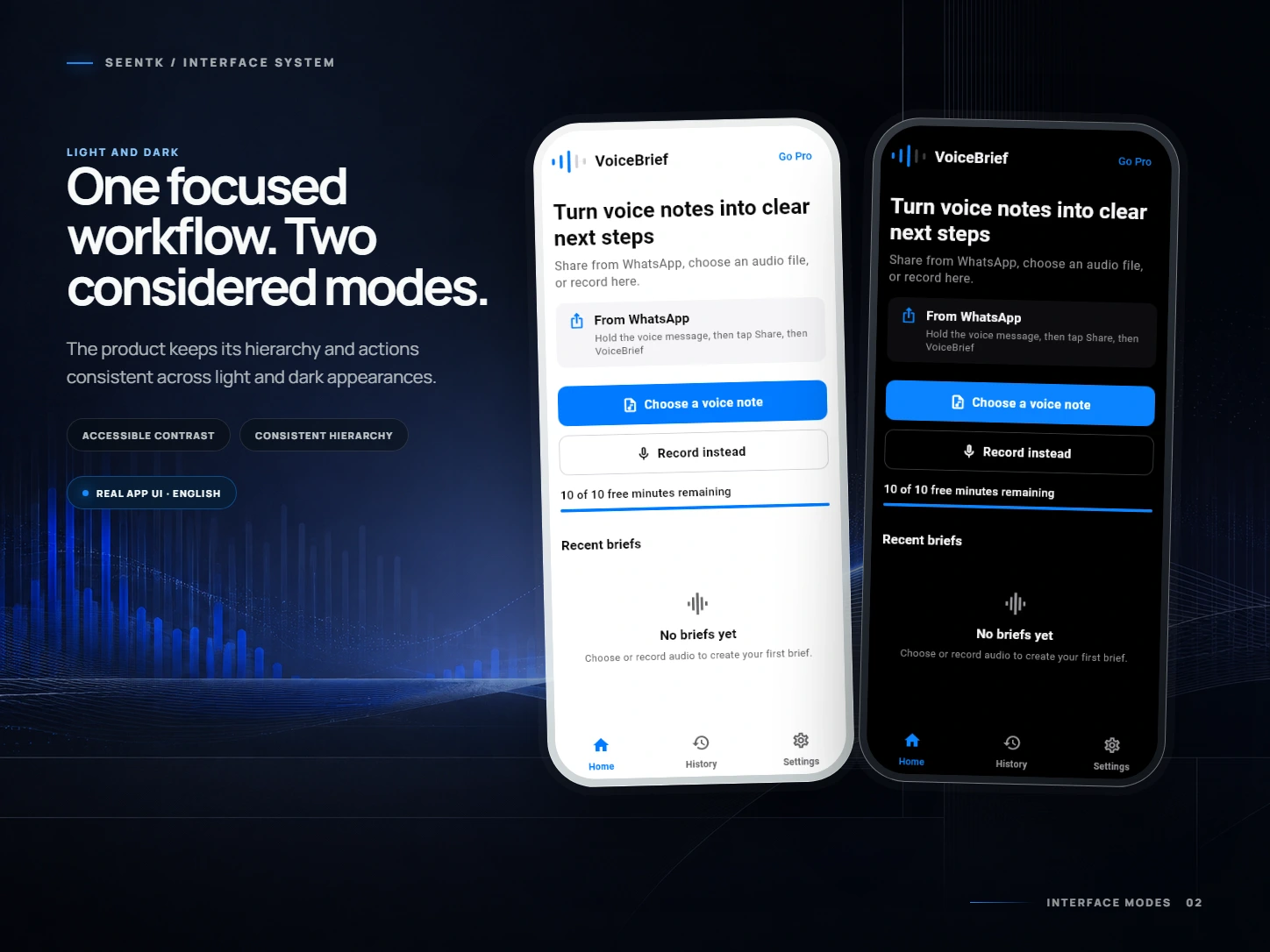
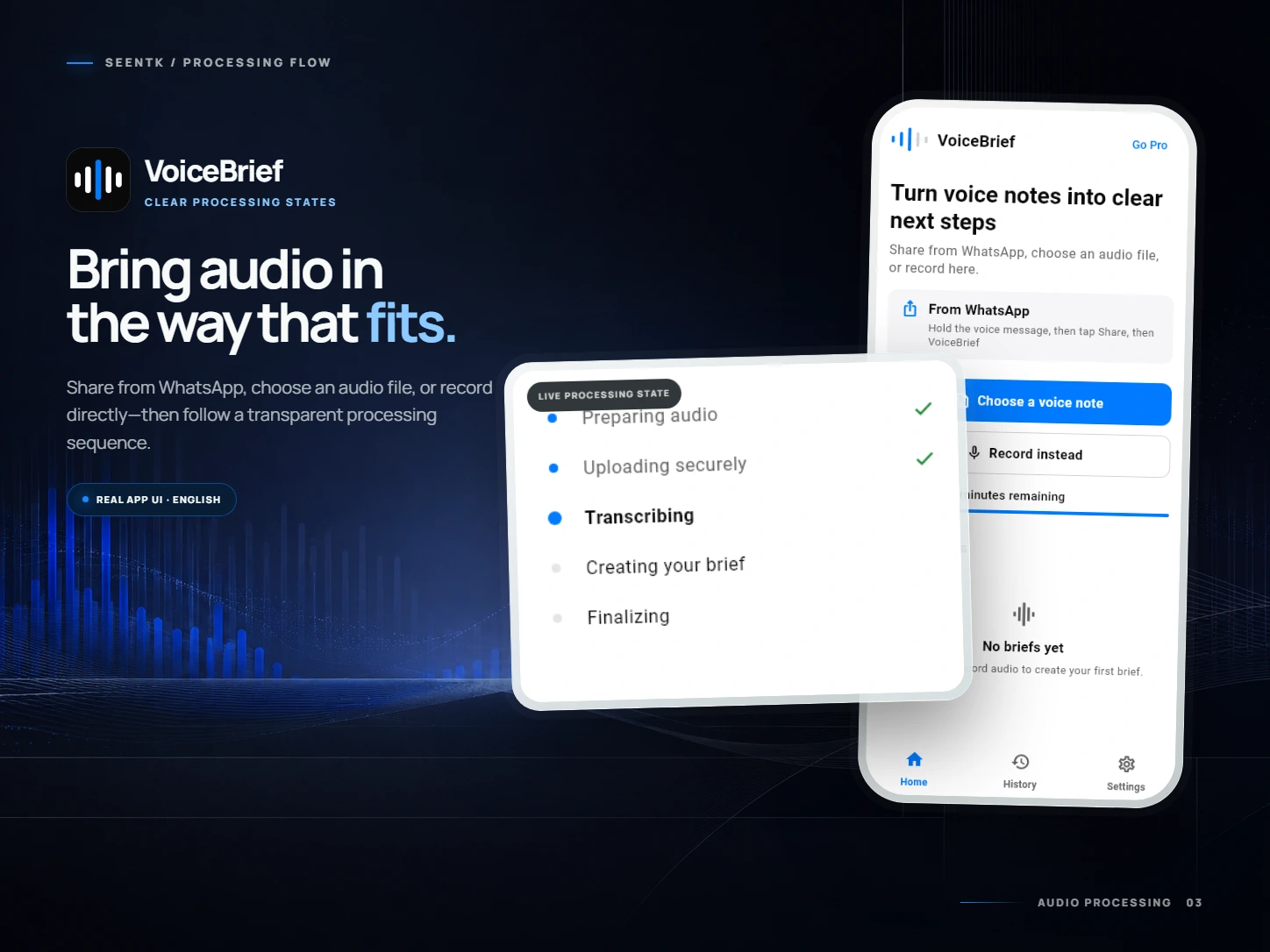
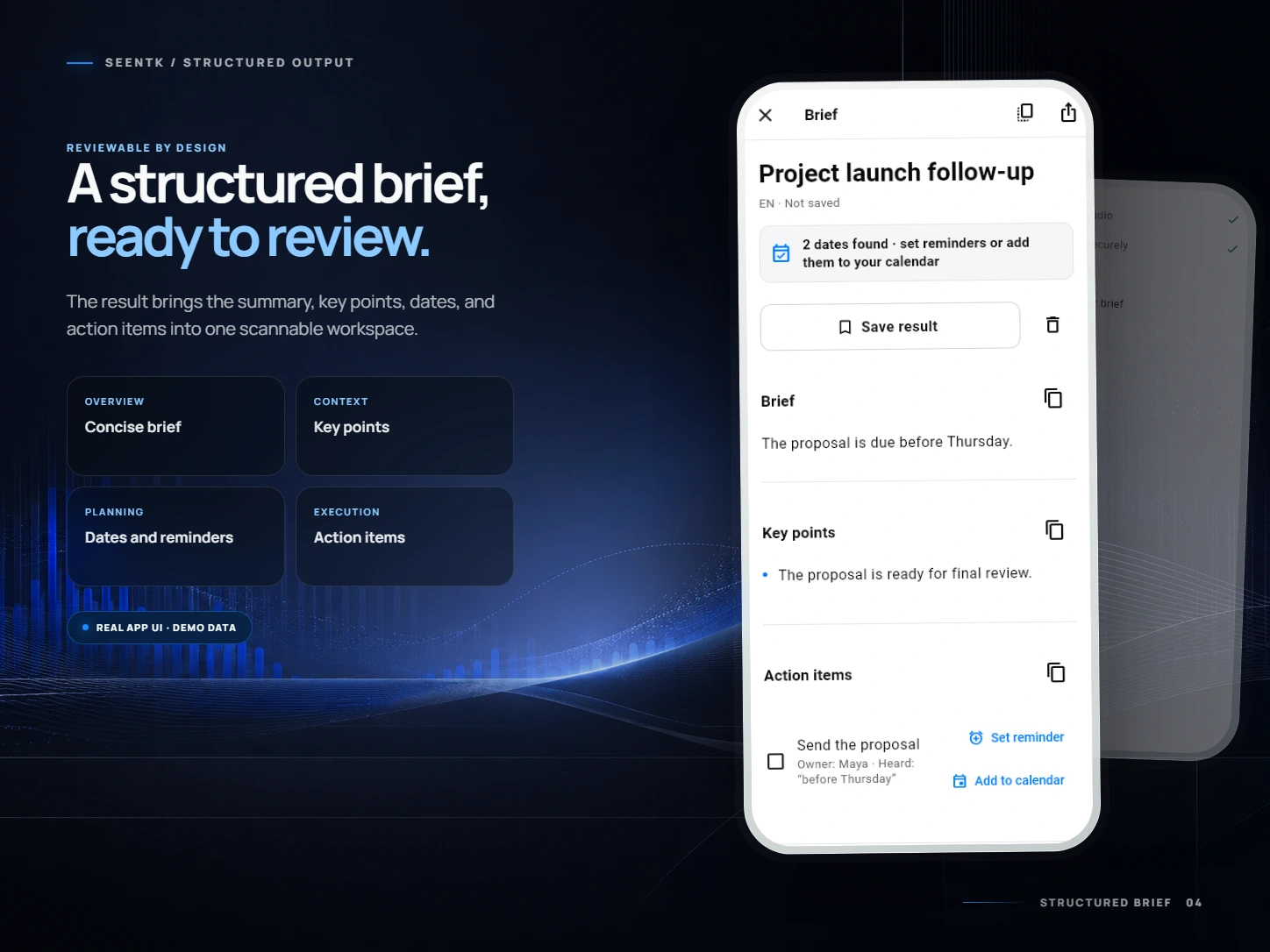
Open the public product page to inspect the current description and available store imagery.
AI becomes useful when it is part of a clear flow: select the content, review it, process it, inspect the result, and confirm the action instead of executing it automatically.
The app is publicly available on the App Store. The Android version was in Google Play closed testing at the latest verification. We do not publish unverified user, rating, or commercial figures.
Available on the App Store; Android was in closed testing at the latest verification. The public App Store listing documents a real published product. This case study shows SeenTK’s ability to combine speech processing, AI, native device capabilities, and backend services in a complete productivity experience.
Share the idea and we will help turn it into a clear scope and a practical first step.
View on the App Store Discuss your project